
How to add your life event on facebook – Facebook life events could include Marriage, Anniversary, Graduation, Matriculation, Employment etc. This post will show you how to add your life event on facebook.
See more at Learn Facebook Basics

Continue below:
Step 1: Logon to your facebook account.
Step 2: Click on your name to load your personal Facebook profile page.
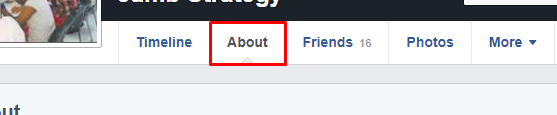
Step 3: Click on the about tab,
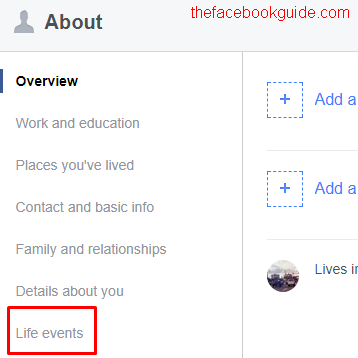
Step 4: Look at the left hand panel of the about page. Click on Life Events.
Step 5: Click the Add Life Event link.
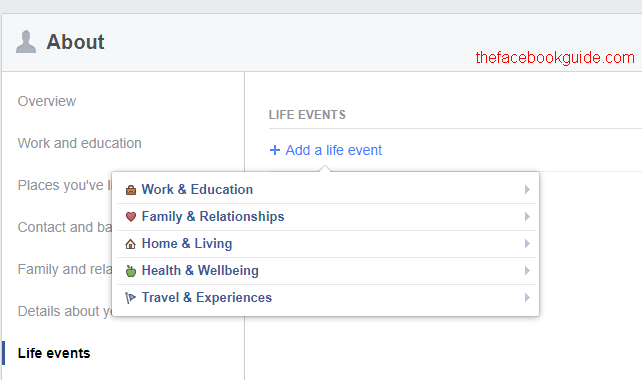
Choose the appropriate category. Enter live event and save it.
0 comments:
Post a Comment